
Written by
Simon Jackson
What is Windows Recall?
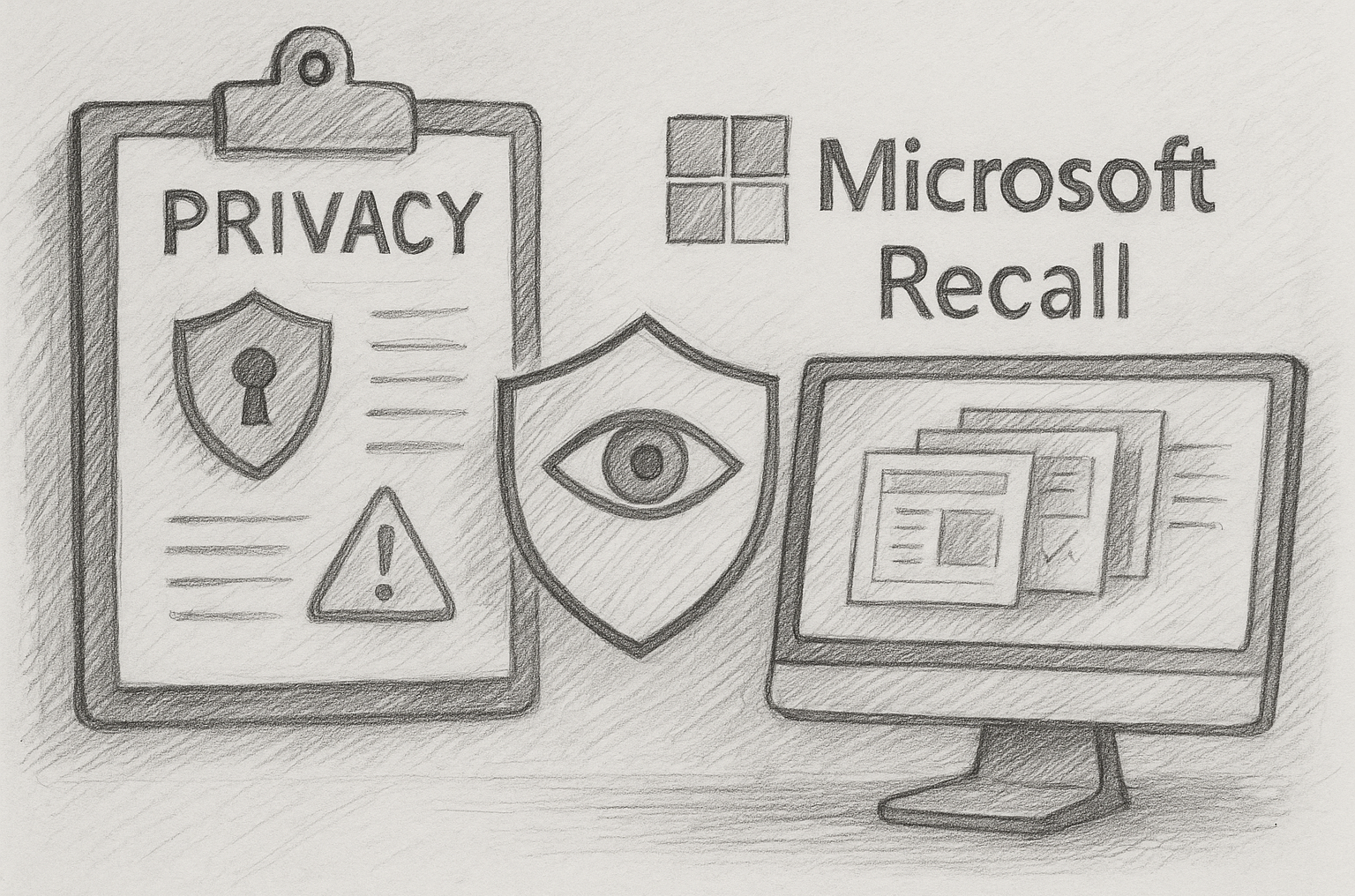
Microsoft has introduced a new capability in Windows called Recall, a feature that captures periodic snapshots of your screen and stores them locally so you can retrieve information about previous activity. While the idea may improve productivity, it raises substantial privacy and governance concerns.
Potential benefits
Privacy and governance concerns
This is an age old debate for Microsoft:– releasing cool new features and days later the privacy concerns hit the industry.
Here are our thoughts:
- Capture of sensitive content
Recall can capture anything displayed on the screen, including confidential information. Even with administrative controls to prevent certain Applications or URLs being blocked, it’s going to be too-late.
- Storage and retention
Snapshots are stored locally, and Microsoft provides retention options.
We think it’s a good thing that these screenshots are not taken and used to ‘train another LLM model, without our express permission’.
- Device access and multi-user risk
Snapshots are tied to a user profile, but anyone who gains access to the device and its credentials may also gain access to the Recall archive.
For us, this is a big no-no.
- Legal and regulatory considerations
By design, Recall may capture personal data, internal documents, regulated records, or confidential discussions.
Organisations must ensure that such captured information aligns with GDPR, data retention policies, and legal discovery obligations.
- Trust, transparency, and user consent
Microsoft emphasises that the feature is opt-in and uses local storage with security controls such as encryption and secure enclaves.
Public commentary remains cautious about how the feature may evolve, and whether future updates might alter defaults.

Microsoft states that the system attempts to detect and filter sensitive information, but this cannot be treated as a guaranteed control.
Recommendations for organisations
- Conduct a Data Protection Impact Assessment before enabling Recall.
If you need some support with that, we can provide advice and guidance on this.
- Involve the Data Protection Officer and legal teams early.
Recording and acknowledging the existence of the privacy concerns outlined above, is really an essential part of the role of a DPO.
- Set policies controlling which devices may enable the feature, retention periods, deletion requirements, filtering configurations, and user communication.
- Align the feature with the organisation’s data classification and retention framework.
- Ensure device encryption, strong authentication, and audit capability are active.
- Provide guidance for employees on opting in/out, deleting snapshots, and resetting the feature.
- Perform periodic reviews and disable the feature if it introduces unacceptable risk.
Can we disable Windows Recall entirely?
For organisations that decide Recall is not appropriate, under any circumstance, you could disable it for all users, rather than relying on an informed, or educated user choice.
At a high level, there are two main control points:
1. Intune / MDM policy
Windows Recall can be disabled centrally through Intune by applying the specific CSP that governs Recall enablement.
Use the following procedure:
- Create a new Configuration Profile in Intune.
- Platform: Windows 10 and later.
- Profile type: Settings catalog.
- Add the setting that controls Recall (you can type “Recall” to save time navigating)
- Category: Experience (or search directly for the CSP).
- Setting name: Allow Recall to be enabled.
- Set this to Disabled.
- This maps directly to the CSP:
./Device/Vendor/MSFT/Policy/Config/WindowsAI/AllowRecallEnablement
- Setting this to 0 prevents Windows from presenting or enabling Recall under all circumstances.
- Save the profile and assign it to your required device scope.
This is normally All devices, but you may target selected security groups if needed.
- When the device next checks into Intune, Recall controls are removed from the user interface and the feature cannot be reactivated.
2. Group Policy: Disable Windows Recall
Use the following steps on domain-joined or hybrid-joined Windows devices:
- Download the latest Windows ADMX templates that include the Windows AI policy set.
- Install or copy the ADMX and ADML files into your central policy store.
- Open Group Policy Management Console on a domain controller or management workstation.
- Create or edit a GPO that applies to your Windows 11 devices.
- Navigate to the policy path:
Computer Configuration → Administrative Templates → Windows Components → Windows AI → Allow Recall to be enabled
- Open the policy Allow Recall to be enabled.
- Set the policy to Disabled.
- This enforces the same restriction as the Intune CSP (AllowRecallEnablement = 0) and prevents the OS from enabling the feature.
- Apply and close the editor.
- Link the GPO to the appropriate OU containing your target devices.
- Wait, or force your clients to perform a GPUPDATE operation.
On a client you can run gpupdate /force or allow normal policy refresh to happen in the background.
- Once applied, the Recall feature and its configuration options will be removed from Settings, and users cannot reactivate it.
Conclusion
Windows Recall offers new productivity gains by allowing users to retrieve previous screen states. However, its privacy implications are significant. The feature must not be enabled by default across an organisation without robust governance. Any rollout should follow a formal review, led by the DPO, with clear accountability and alignment to corporate security controls. Until that process is complete, the safest approach is to leave Recall disabled.
 310
310
310
310

 1200
627
1200
627